
Building an online store or shop for WordPress requires a solid e-commerce plugin. In this roundup, we compare the best WordPress eCommerce plugins (free and paid) that turn your site into a full store for WordPress. We look at core features, supported product types (physical/digital/subscriptions), pros and cons, and who each is best suited for. The table below summarizes key details:
| Plugin | Free Version | Paid Version | Supports | Best for |
|---|---|---|---|---|
| WooCommerce | Free core plugin (all products) | Paid add-ons/extensions (from a few USD each) | Physical goods, Digital goods, Subscriptions (via add-ons) | Any size store; highly customizable, large stores |
| Easy Digital Downloads | Free core plugin (digital only) | Premium plans (~$89/year+) or individual add-ons | Digital downloads (eBooks, software, media) | Digital creators, software sellers |
| BigCommerce for WordPress | Free WordPress plugin | BigCommerce SaaS (hosting) plans from $29/mo | Physical & Digital goods (via SaaS) | Medium-to-large catalogs; multi-channel sales |
| Ecwid Ecommerce Cart | Free plan (up to 5 products) | Paid plans from $25/mo (more products, features) | Physical & Digital goods | Small businesses, multi-channel sellers |
| WP EasyCart | Free edition (unlimited products, PayPal/Square/Stripe) | Pro ($69/yr) & Premium ($99/yr) editions | Physical & Digital, Donations, Invoices, Subscriptions | Small retailers, local businesses |
| SureCart | Free “Launch” plan (1.9% transaction fee) | Paid plans: Grow $29/mo, Premium $59/mo (no fees) | Physical & Digital goods, Subscriptions | Agencies, service providers, modern e-shops |
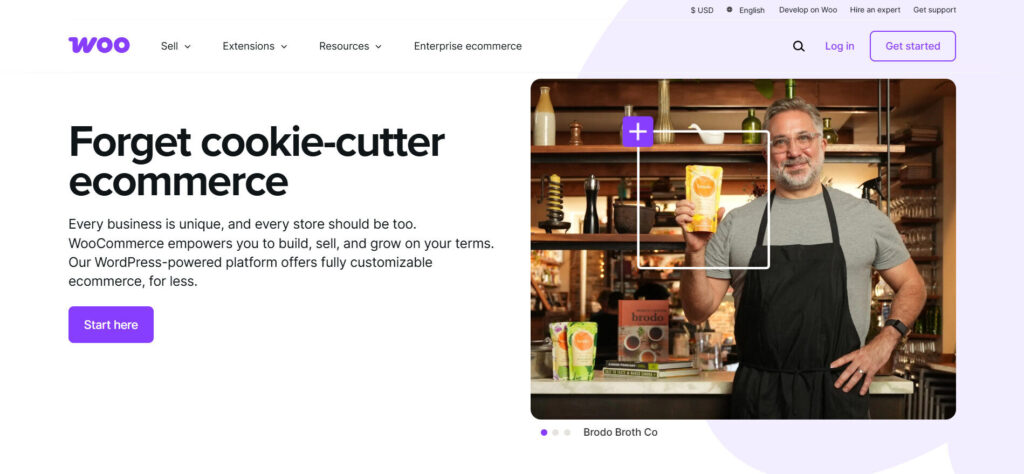
WooCommerce Plugin Review
WooCommerce is the most popular WordPress eCommerce plugin and a true all-rounder. It’s a free, open-source solution that supports physical products, digital goods, and (with add-ons) subscriptions.
Out of the box you get a complete shopping cart, product pages, order management, built-in shipping options, and common payment methods (Stripe, PayPal, bank transfer, etc.).
You can then extend WooCommerce with thousands of free and premium extensions (for example memberships, bookings, advanced shipping, marketing tools, and payment gateways). Core features include product variants, tax and currency support, discount coupons, and basic analytics.
WooCommerce Plugin Pros:
- Supports both digital and physical goods by default.
- Very flexible and scalable.
- large community and plugin ecosystem means almost any feature can be added.
- Built-in marketing tools (coupons, upsells, analytics).
- Most WooCommerce themes and page builders are compatible.
- Well-documented with community support.
- Free to start – the plugin itself is free and can handle unlimited products and traffic as long as your hosting scales.
WooCommerce Plugin Cons:
- Can be complex for beginners – the many settings and extensions can be overwhelming.
- Core WooCommerce support is via forums (paid WooCommerce support plans exist).
- Advanced features often require paid extensions, which can add cost.
- Heavy usage (lots of products/extensions) may need good hosting to maintain speed.
WooCommerce Plugin Free vs Paid:
The WooCommerce core plugin is 100% free. Free users get basic product management, checkout, and built-in PayPal/Stripe. Paid products are sold via the WooCommerce marketplace – from $1 add-ons (like extra payment gateways) up to hundreds for bundles or official plugins.
You pay only for the specific extensions you need; e.g. subscriptions, bookings, memberships, advanced shipping modules, etc. Alternatively, WooCommerce now offers Woo Express (hosted plans) from ~$39/mo including support, but it’s optional.
WooCommerce Plugin Best Suited For:
Any merchant from small shops to large retailers. WooCommerce is ideal if you need maximum flexibility and control. It’s perfect for businesses that may need to grow or customize their store, users have built membership sites, SaaS sign-ups, bookings, and more on WooCommerce.
Beginners can start simple (even on free hosting), but expect to invest in some paid add-ons or good hosting as you scale.
Complete Free Guide: How To build a WordPress online shop using WooCommerce
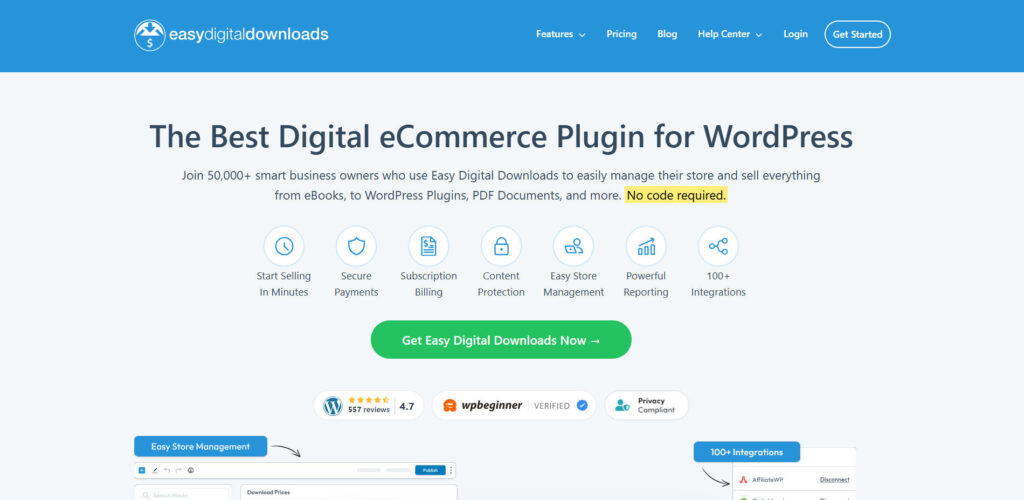
Easy Digital Downloads (EDD) Plugin Review
Easy Digital Downloads is a free WordPress eCommerce plugin focused exclusively on digital products. If you sell eBooks, software, audio/video files, or any downloadables, EDD streamlines the process. Its setup is simpler than WooCommerce because it removes physical-product complexity (no shipping, no SKU, etc.).
Core features include file uploads with download links, cart & checkout, customer email receipts, discount codes, and detailed download/purchase reports. EDD integrates natively with payment gateways like Stripe and PayPal, and supports multi-site environments and licensing systems.
Easy Digital Downloads Plugin Pros:
- Optimized for digital downloads, so the interface is clean and easy to use.
- Even the free version gives you a complete shopping cart and purchase emails.
- Strong reporting/dashboard helps track sales and customer data (download counts, earnings, activity).
- Many extensions available for licensing, subscriptions, affiliate tracking, email marketing, etc.
- Works with most WordPress themes (and has its own themes).
- Free plugin has community support (docs, forums) and premium tiers come with support.
Easy Digital Downloads Plugin Cons:
- Not suitable for physical products.
- EDD core does not handle shipping or inventory for physical goods. If you ever need to sell something like a t-shirt or a mug, you’d need a different plugin.
- Some features (like recurring payments or software licensing) require paid add-ons. Free plan has limitations on gateways, for example, only Stripe and PayPal in free version.
Free Easy Digital Downloads vs Easy Digital Downloads Pro:
EDD’s core plugin is free and provides all basics for digital sales (unlimited products, carts, Stripe/PayPal, basic reports).
Premium plans (Easy Digital Downloads Pro) start around $89.55 per year for full access to official extensions and support. Paid plans unlock features like file licensing, subscription payments, shopping cart upgrades (Apple Pay, Google Pay), and marketing tools.
Alternatively, you can buy addons individually via the EDD extensions library. Overall, small digital creators often get started on the free plan, then upgrade once they need subscriptions or advanced integrations.
Easy Digital Downloads Plugin Is Best Suited For:
Digital creators and entrepreneurs. If you only sell downloadable products (ebooks, software, music, PDFs, videos, etc.), EDD is a lightweight, user-friendly WordPress eCommerce plugin.
It’s great for artists, writers, developers or anyone selling files. Because it’s optimized for downloads, new users find it easier than general store plugins. However, if you also want to sell physical goods, a plugin like WooCommerce would be more appropriate.
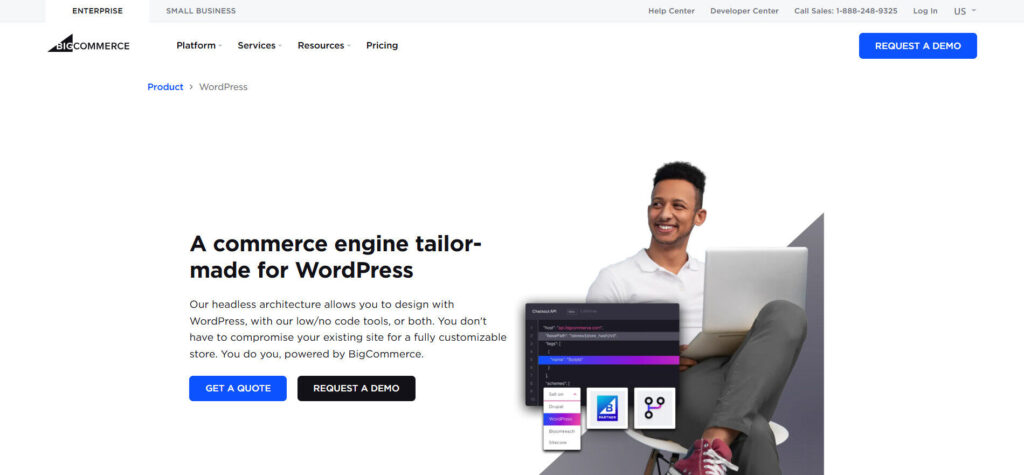
BigCommerce for WordPress Review
BigCommerce for WordPress is a free WP plugin that connects your site to a BigCommerce (hosted SaaS) store. Instead of handling all e-commerce on your server, BigCommerce manages the shopping engine (catalog, checkout, PCI compliance) on its own cloud servers.
Your WordPress site is used primarily for content and storefront pages, while BigCommerce handles the heavy lifting. This headless approach means your WP pages load faster and you can support very large catalogs and high traffic. Key features include seamless WordPress integration (products appear as custom post types), unlimited SKUs, built-in multi-channel selling (sales on Facebook, Amazon, etc.), and over 65 payment gateways handled natively.
BigCommerce for WordPress Plugin Pros:
- Scales extremely well – ideal for large catalogs or enterprise stores.
- Checkout and orders are offloaded to BigCommerce’s secure servers (so you get built-in PCI compliance and no payment data on your site).
- Out-of-the-box features include global payment methods, currency conversion, automated tax calculations, and channel integrations.
- All core e-commerce features come bundled (no need to hunt for plugins), including product variations, gift cards, faceted search, and more.
- You also get 24/7 support from BigCommerce for commerce-related issues.
BigCommerce for WordPress Plugin Cons:
- Requires using BigCommerce as the backend (it’s not 100% on-site).
- That means monthly fees and adherence to BigCommerce’s platform.
- BigCommerce’s own theme/app ecosystem is smaller than WooCommerce’s, so customization may be limited to what BigCommerce offers.
- The free WordPress plugin provides the bridge, but store cost starts at about $29 per month (Standard plan). Also, yearly sales thresholds can force plan upgrades.
- Since it’s a separate platform, troubleshooting sometimes requires dealing with BigCommerce support instead of WordPress support.
BigCommerce for WordPress Plugin Free vs Paid:
The BigCommerce for WordPress plugin is free to install – it simply syncs WP with your BigCommerce account. However, you must sign up for BigCommerce hosting: plans run $29–$249 per month depending on features (Standard, Plus, Pro, etc.).
All plans include no additional transaction fees and unlimited products (Standard offers unlimited storage and products at $29/mo). Higher plans add features like advanced coupons, stored credit cards, and priority support. In summary, you pay for the BigCommerce service, not the plugin.
BigCommerce for WordPress Plugin Best Suited For:
Merchants with mid to large stores or those planning to scale quickly. Also ideal if you want to sell on multiple channels (Facebook, Amazon, eBay) out of one dashboard. It’s a good choice if you prefer a hosted e-commerce solution but still want the flexibility of WordPress for your content. Beginners may find the BigCommerce setup more complex initially, but it’s powerful for growing businesses that need robust features without managing hosting or PCI compliance in-house.
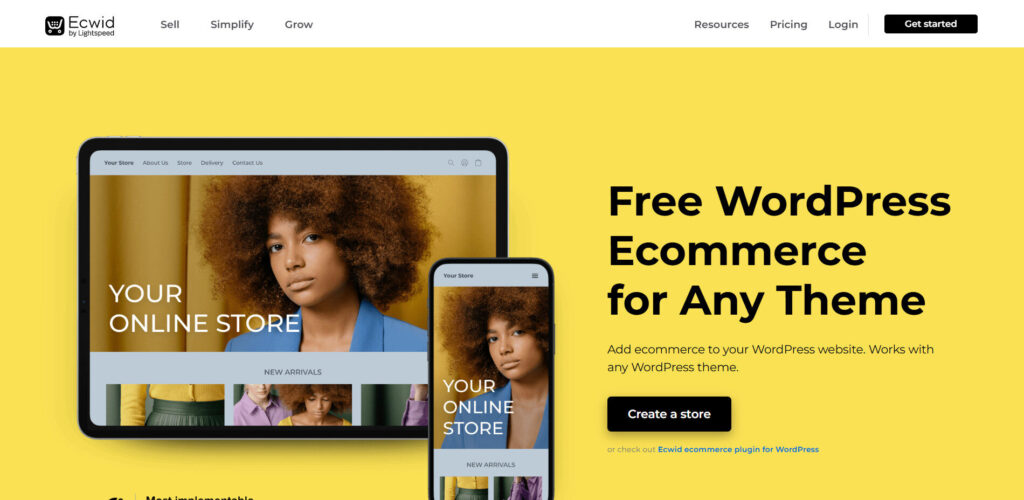
Ecwid Plugin for WordPress Review
Ecwid for WordPress; Ecwid is a cloud-based eCommerce widget/plugin that lets you embed a complete store into WordPress. The Ecwid plugin is free to install and syncs your WP site with an Ecwid account. All your products and orders live on Ecwid’s servers (providing a secure, PCI-compliant checkout), while you manage your store through a dashboard or Gutenberg blocks in WordPress.
Ecwid supports both physical and digital products, multiple channels (sell on WP, social media, marketplaces) and a host of features out-of-the-box. Notable built-in features include discount coupons, gift cards, live chat (Facebook Messenger), and selling on Facebook/Instagram directly.
Ecwid WordPress Plugin Pros:
- Easy multichannel selling.
- You can sell on your WP site, Facebook, Instagram and other channels simultaneously from one catalog.
- Since it’s hosted, checkout is fast and secure (PCI-compliance handled by Ecwid).
- Ecwid’s free plan lets you sell up to 5 products with no transaction fees.
- Ecwid’s core (even free) includes coupons, shipping calculators, and inventory tracking.
- Great for beginners – it requires minimal setup and works with any theme.
Ecwid WordPress Plugin Cons:
- The free plan is very limited (only 5 products, basic features).
- To unlock features like gift cards, product catalogs >5, priority support or sales channels, you must upgrade.
- Paid plans can get pricey if you need more items (e.g. $25/mo for 100 products, $45/mo for 2,500, $105/mo for unlimited).
- Some larger businesses find Ecwid’s styling less flexible than a dedicated WooCommerce site, and major e-commerce features (like advanced subscriptions or membership) are limited.
Ecwid Shopping Cart WordPress Free vs Paid:
Ecwid’s free plan supports up to 5 products (good for small portfolios). Paid plans start at $25 per month (100 products) and scale up to $105 for unlimited products.
Higher plans add features like Facebook Shop integration, priority support, and extensive multi-currency options. Notably, Ecwid does not charge transaction fees, even on the free plan. Overall, you pay for the monthly subscription, not the plugin.
Ecwid WordPress Plugin Is Best Suited For:
Small businesses and solopreneurs who need a simple WordPress online store plugin with easy setup. If you want to start on a budget or sell on multiple platforms without complex configuration, Ecwid is a great choice.
It’s also useful if you already have a WP site (or multiple sites) and want to add a store quickly without changing hosts. For larger catalogs or highly customized stores, a self-hosted solution like WooCommerce might be better.
WP EasyCart Plugin Review
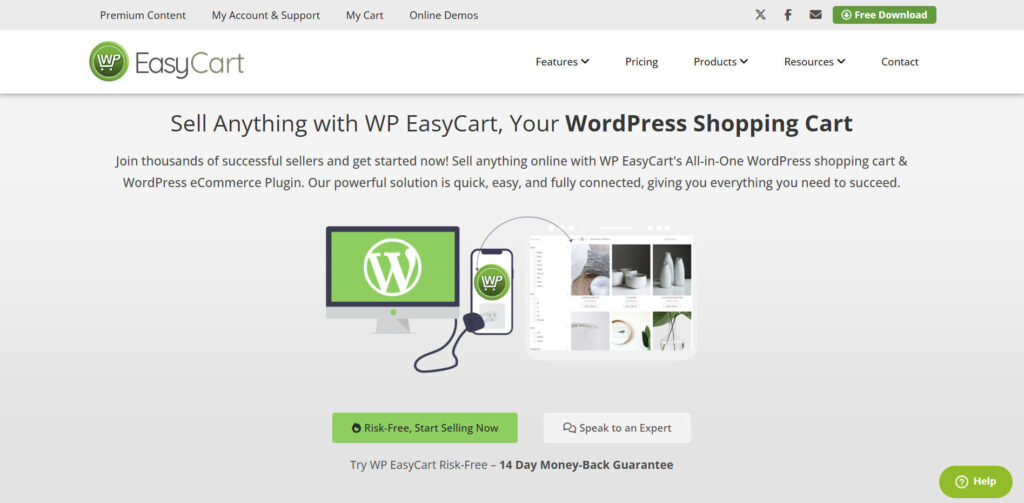
WP EasyCart is a beginner-friendly eCommerce software for WordPress shopping cart plugin built with small businesses in mind. A free edition is available (with unlimited products/orders) that supports PayPal, Square, and Stripe payments out of the box. For more features, there are Professional and Premium editions (about $69–$99 per year) that add gateways and commerce features.
Core features include product management (physical & digital), coupons, membership content (with paid plans), shipping calculators, and basic marketing tools. It also offers integrations to common services like QuickBooks (Premium), MailChimp, TaxCloud and ShipStation.
WP EasyCart Plugin Pros:
- Straightforward setup with a simple UI – great for non-technical users.
- The free edition allows unlimited products and handles core needs (orders, taxes, shipping).
- Integrations for email (MailChimp, Constant Contact) and accounting (QuickBooks) come built-in (some via add-ons).
- It even supports unusual product types like donations or invoices.
- Compared to WooCommerce, many features like subscriptions, order editing, and mobile apps are bundled in paid plans, so you don’t have to install dozens of plugins.
WP EasyCart Plugin Cons:
- Fewer third-party extensions and themes than WooCommerce, so customization is more limited.
- The free edition only includes PayPal/Square/Stripe; other gateways (Apple Pay, Google Pay, Amazon Pay, etc.) require Pro/Premium.
- Premium editions (at $69/yr for Pro, $99/yr for Premium) are required to unlock subscriptions, advanced coupons, multi-currency, and POS features. Support is via WP EasyCart’s own channels (forums, docs, chat).
WP EasyCart Plugin Free vs Paid:
The Free edition provides unlimited products, orders, and the three basic payment methods. Upgrading to Professional ($69/yr) adds 30+ extra gateways, live shipping calculators, coupon/promotions engine, digital wallets (Apple/Google Pay), and subscription products.
The Premium edition ($99/yr) includes all Pro features plus additional apps (desktop/mobile POS, Facebook/Instagram integration, QuickBooks Desktop sync, etc.). In short, you can start for free, then pay an annual license for the features you need.
WP EasyCart Plugin Best Suited For:
Small retailers and local businesses. WP EasyCart is perfect if you want a quick setup with a traditional store workflow. It’s often recommended for boutiques, coffee shops, restaurants (it even has order forms for menus), and service providers.
Unlike WooCommerce, you get many paywalled features in one plugin, so it’s easier to manage. However, it’s less suitable for very large or highly customized eCommerce sites.

SureCart Plugin Review
SureCart is a modern eCommerce software for WordPress (developed by the CartFlows team) that supports both physical and digital products, subscriptions, and more. It uses a “headless” approach where your product data and checkout are managed on SureCart’s servers for speed and security.
The free “Launch” plan has a built-in 1.9% transaction fee, while paid plans (Grow $29/mo, Premium $59/mo) eliminate fees. You can sell unlimited products of any type (one-time, subscription, trial, installment payments, donations, etc.) from a single plugin. SureCart adds a lightweight cart overlay and checkout builder that works with any theme, along with features like order bumps and post-purchase upsells.
SureCart Plugin Pros:
- Easy, streamlined setup – many users say it’s the most intuitive WordPress store plugin available.
- Lightweight and fast (no bloat), so your site performance stays high.
- Built-in support for subscriptions and free trials out of the box, plus flexible pricing options (installments, pay-what-you-want, etc.).
- It includes all essential features in one place (product variants, coupons, inventory tracking, shipping, custom checkout fields, etc.).
- Active development and responsive support are reported.
- An advantage of SureCart is that it comes with an image-based drag-and-drop checkout builder and post-purchase funnel tools.
SureCart Plugin Cons:
- Fewer built-in payment gateways (mostly Stripe and PayPal for now) and no built-in membership system (though subscriptions cover many use cases).
- Lacks certain bulk-management tools (no bulk product or order editor yet).
- Many advanced integrations (CRMs, email marketing, etc.) require a companion plugin (SureTriggers) or are on roadmap.
- The transaction fee on the free plan can add up if you do high volume before upgrading.
- Some large stores may prefer more mature platforms.
SureCart Plugin Free vs Paid:
SureCart’s free “Launch” plan costs $0 upfront, but charges 1.9% per transaction. The Grow plan ($29/month) removes the transaction fee and adds advanced features (cart abandonment recovery, order bumps, etc.).
The Premium plan ($59/month) includes priority support and more advanced funnel automation. All plans allow unlimited products and sales volume. In practice, many small sites start on the free plan and upgrade only when ready to eliminate fees.
SureCart Plugin Best Suited For:
Website agencies, course creators, coaches, and small businesses who need a simple yet powerful eCommerce solution. SureCart shines for selling courses, digital downloads, and services (via subscriptions) as well as physical products, especially if you prefer a modern interface.
It’s also good for any merchant who wants a fully featured store without installing dozens of plugins. Because it’s newer, it’s best if you’re comfortable adopting a fresh product – but reviews highlight its user-friendliness and fast performance.
Takeaways:
Each of the above plugins can turn a WordPress site into an online store.
- WooCommerce is the default choice for most shops due to its flexibility and ecosystem.
- Easy Digital Downloads is specialized for digital-only sales.
- BigCommerce for WordPress and Ecwid are fully hosted solutions that offload security and scalability to their platforms.
- WP EasyCart provides a beginner-friendly package for small retailers.
- SureCart is an emerging all-in-one plugin that simplifies selling anything in WordPress.
Choose the one that fits your product types, budget, and technical comfort level for building a WordPress eCommerce store.
