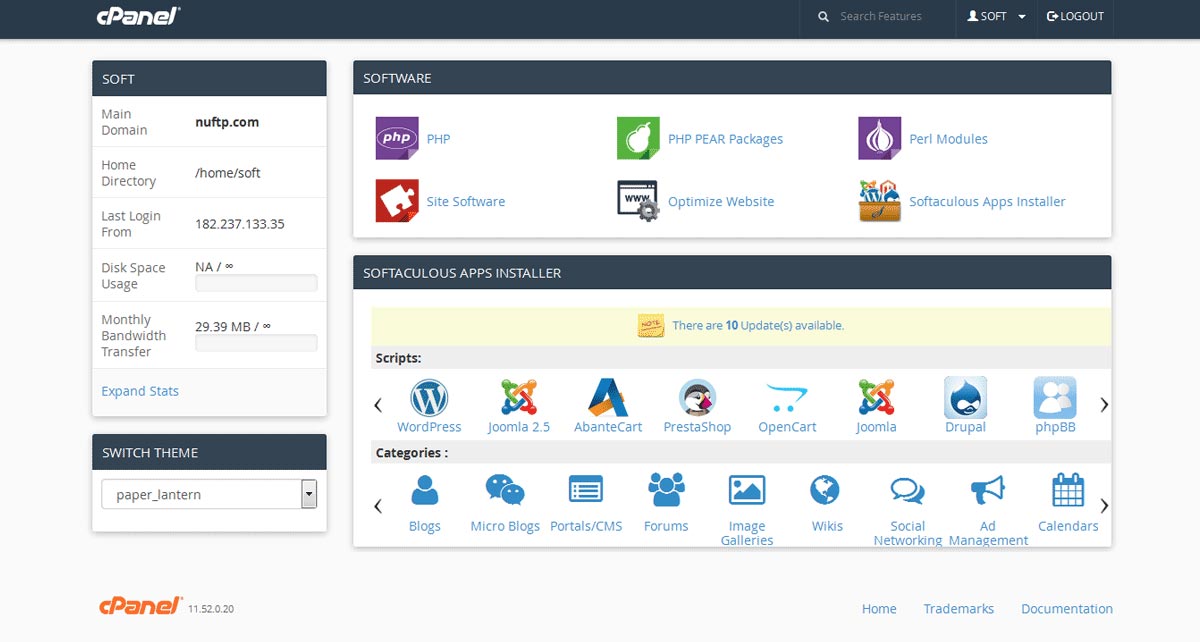
Softaculous
by Softaculous Ltd
The leading auto-installer for cPanel and DirectAdmin hosting.
Expert Overview
Softaculous is a script library that automates the installation of over 400 applications, including WordPress. For most users on shared or reseller hosting, it is the primary interface for managing the WordPress lifecycle—from initial deployment to staging and backups.
Why It Is Essential for WordPress
While manual installs via FTP are possible, Softaculous eliminates the technical overhead by automatically creating databases, setting up user permissions, and configuring wp-config.php in seconds.
The Staging Game Changer
One of Softaculous's most powerful features is the One-Click Staging. It allows you to create a complete clone of your live site in a subdirectory or subdomain. You can test new plugins or theme updates there, and once satisfied, "push" those changes back to the live site with a single click.
Features at a Glance
Reliability & Maintenance
Softaculous handles the "boring" but critical parts of WordPress maintenance. You can set it to auto-update WordPress core, themes, and plugins individually, ensuring your site remains secure without manual intervention.
It is typically located within your hosting control panel (cPanel, DirectAdmin, or Plesk) under the "Software" or "Scripts" section.
Yes! Even if you installed WordPress manually, you can use the "Import" function to bring it under Softaculous management to start using its backup and staging features.
Backup Storage Tip
While Softaculous can store backups on your server, we recommend using the Remote Backup feature to send your site copies to Google Drive, Dropbox, or AWS S3 to ensure you can recover even if the server fails.